Setup and Requirements
Requirements
In order to start the application provided for this lab, it's recommended to have:
- Python 3.11 or 3.12
invoke
Setup
The lab can be started in different ways
- In GitHub Codespaces
- Locally on your laptop using
poetry
it's also possible to start the lab locally with devcontainer but this method is not covered in this documentation
Start on Github Codespaces
Click on the below link to launch a GitHub Codespace:

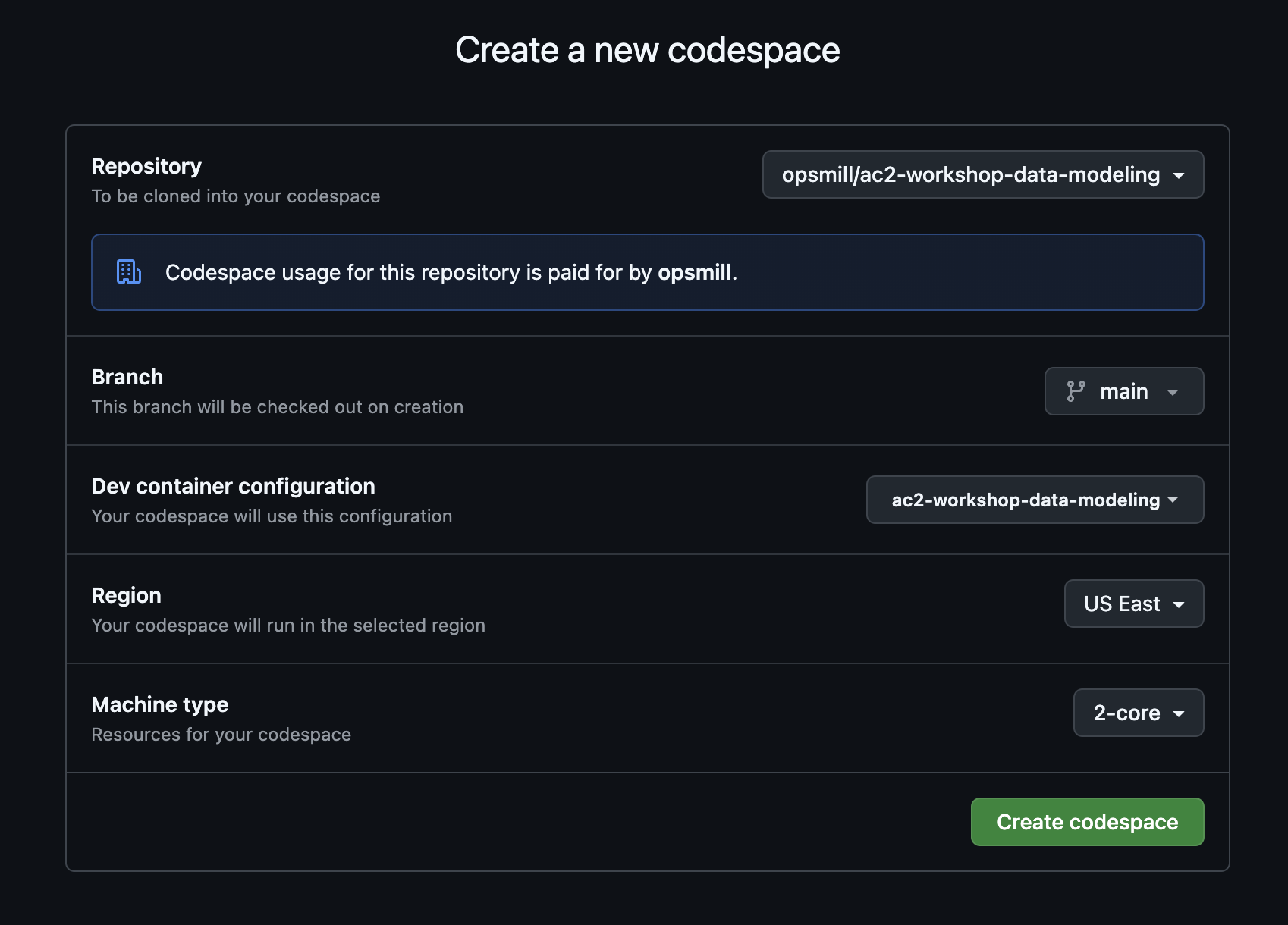
Click Create codespace on the screen that loads:
Install locally with poetry
install poetry
Poetry is a popular package manager for Python, it can be installed with the following command:
pipx install poetry
Check out the official documentation for poetry for more information
Poetry documentationhttps://python-poetry.org/docs/#installationClone the git repository
git clone https://github.com/opsmill/workshop-data-modeling.git
cd workshop-data-modeling
Install the python packages with poetry
poetry install
Enter the python environment created by poetry
By default, poetry install all the packages in a dedicated python environment so in order for the lab to work you need to enter the right environment using the following command:
poetry shell
As an alternative, it's possible to execute commands inside the python environment using poetry run in front of all commands.
Lab Commands
To simplify the process, there is a CLI provided to be able to easily manage the lab using Invoke.
You can list the available invoke tasks as shown below:
invoke -l
Available tasks:

  lab1-destroy   Destroy Lab1.
  lab1-load      Load devices into Lab1.
  lab1-start     Start Lab1.
  lab1-test      Run pytest against Lab1.
Omitted non-lab1 related invoke tasks.